Mi Nguyen
This editorial represents the opinions of 14 out of 14 Outlook editors
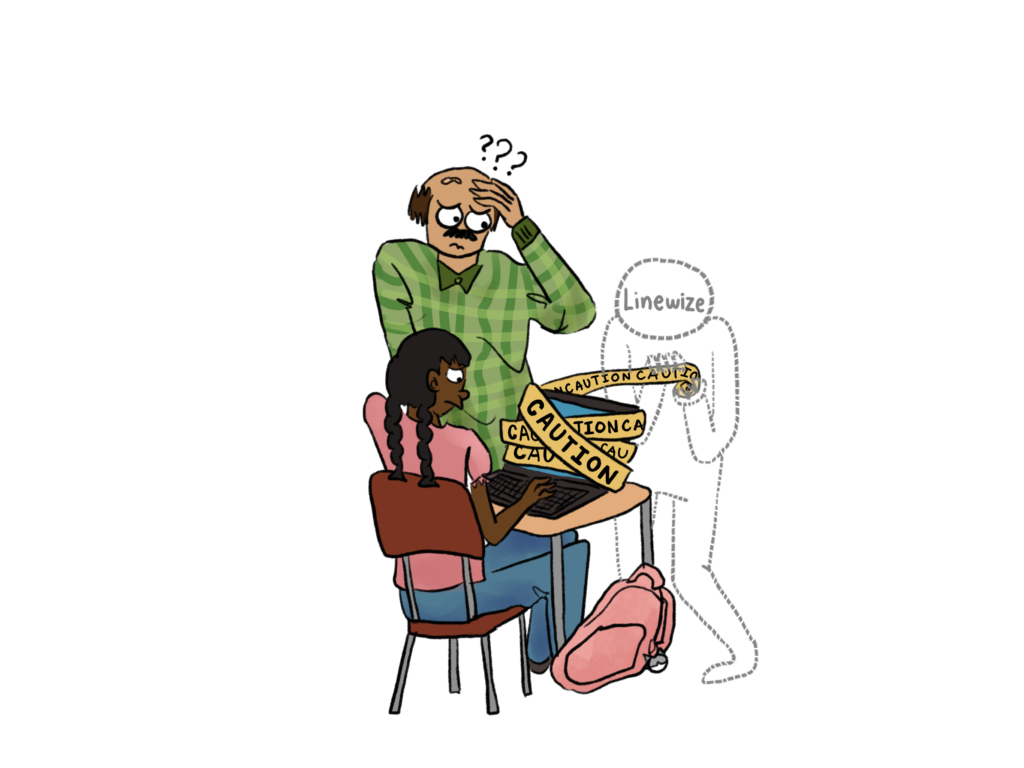
This school year, Aragon required students to only use school Chromebooks while on campus, unless staffulty explicitly allowed usage of personal devices. With this increased reliance comes more interaction with websites blocked by Linewize, a web-filtering platform newly implemented on school-managed devices this year. Intended to decrease distractions, Linewize instead blocks several educational websites, occasionally interfering with teachers’ lessons. The Outlook proposes two main solutions: enabling teachers to unblock certain websites that are necessary for class materials for students during their class period and the district creating a publicly accessible directory of blocked websites.
According to the district, websites may be blocked for lacking a student data privacy agreement, misaligning with the district’s instructional guidelines or requiring users to be at least 18-years-old when logging in with school email. Specifically, they block sites that are inappropriate, disruptive, questionable or have high-bandwidth streaming. However, many students are finding loopholes around this filter system, including finding unblocked websites that host games.
“It’s like a game of cat and mouse,” said junior Braden McMillan. “You’re never going to be able to block all the websites. If a student wants to play games, they’re going to find the website.”
We believe these blanket restrictions, which block educational websites without always preventing students from finding distractions elsewhere, should be disbanded by the district.
Right now, some teachers are frustrated with the filter because many websites and videos accessible to teachers are not viewable on student Chromebooks; therefore, teachers usually don’t know if their resources can be accessed until students open the websites in class.
“I was trying to let students have access to a video in class, and it [was] blocked,” said social studies department head Carlo Corti. “When I’m planning a lesson, I’m like, ‘this link works.’ [But] to then know that it could be blocked [for] students, [which] wipes out a third or half of what was going to happen in class, is really frustrating.”
The filter interfering with teachers’ lessons extends to departments outside of the humanities as well.
“In my biotech class, which is career technical education, there’s some responsibility on the part of the teacher to provide students with opportunities and lessons for them to learn the skills that they’re going to need,” said science department co-head Katherine Ward. “The world of work includes cover letters, resumes and employability skills, but it also includes networking and being able to help my students develop their first LinkedIn page and think about what design [and] layout looks like, how you choose your words, etc. I can’t do it because LinkedIn is blocked, and the only option then would be to have them bring in their personal device and do it on that because it’s not blocked on their own devices. It’s difficult when [students] don’t have access to the technology.”
As such, the Outlook recommends that teachers be given a way to control which websites students can access during their class period, both blocking and unblocking them. As of now, teachers are unable to unlock websites for students at all. Thus, we recommend the district find another system to implement this option.
Currently, when students believe there is a legitimate website being blocked, they can email [email protected] with the website URL and a brief explanation. However, many students are unaware of this option, so the Outlook suggests increasing transparency about both the unblocking process along and exactly which websites are blocked by implementing a directory made available on all school websites.
Moreover, we propose that this directory act as a growing database based on students’ and teachers’ suggestions. If the district decides to keep a website blocked after receiving an email at [email protected], its reasoning could be documented in this directory to promote transparency.
Currently, websites like Slack and Zoom are blocked, with Linewize mentioning “Default Blocked Application, Standard Filtering,” which offers little reasoning. A more detailed directory would move away from blanket restrictions that treat every website within a broad category as equally inappropriate. The district should consider a website’s educational value and intended uses while reviewing websites.
Finally, the directory would establish a clearer appeal process with timely explanations of the district’s decision. This would clarify who makes blocking decisions and why, while allowing the district to reconsider restrictions when appropriate.
The Outlook firmly believes schools should help students learn how to navigate the internet responsibly, not rely on restrictions as a substitute for that judgment. Because we understand that restrictions will likely not be completely lifted, we instead encourage students and teachers to have the opportunity to ask and understand why websites are blocked.
“It’s best if everyone gets a say in this,” said freshman Gabriella Rendon De Santana. “Technology is getting better, people are growing with the technology and therefore [we need to] know more about it. It’d be nice for kids in high school who are going into adulthood [to have a] say about [blocked websites].”
Both solutions in tandem create a better internet environment for students. Teachers having the ability to unblock websites during class periods ensures their lessons are free of technological disruptions and a growing directory would enable increased, accessible communication between students, teachers and district administration.